








Description
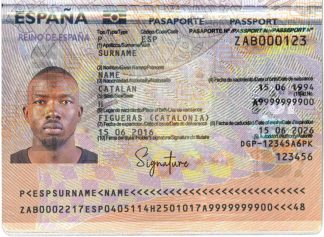
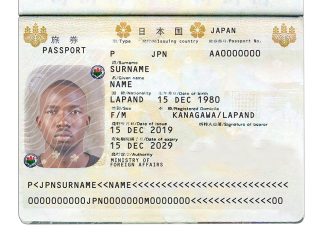
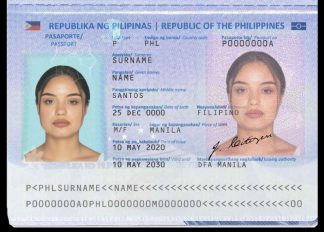
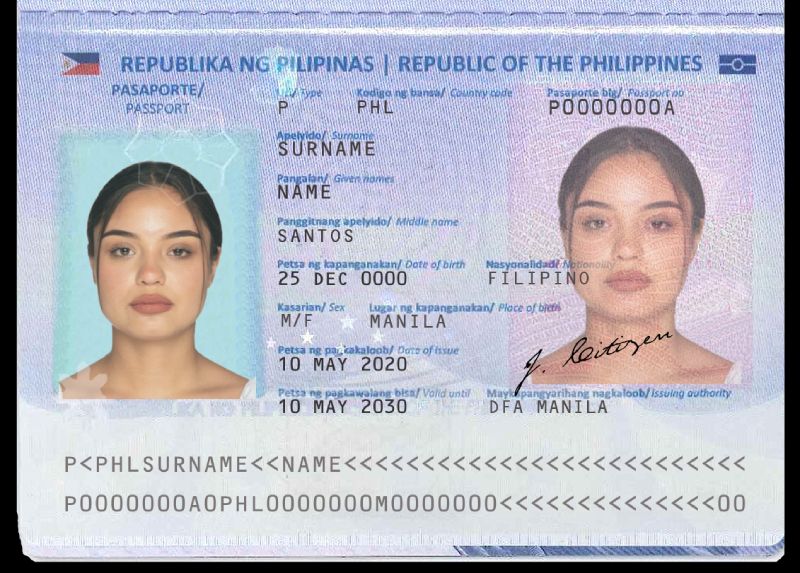
Here you can obtain template and customize a digital fake copy of Philippines Passport, by editing layers of name, surname, photo , including all the necessary elements. The template allows you to edit the passport holder’s photo, personal details, passport number, and other relevant informations. The downloable philippines passport template let you include a custom signature layer and other personal info, and you can get your picture optimized to be added on this digital file. You can download and edit this template and put any name, address, license number, Id number, birth date, height, weight, expire date, change photos etc.
What is included
- high quality editable template (.psd editable format)
- instructions + access to free Photoshop editor online (all template are in .psd format)
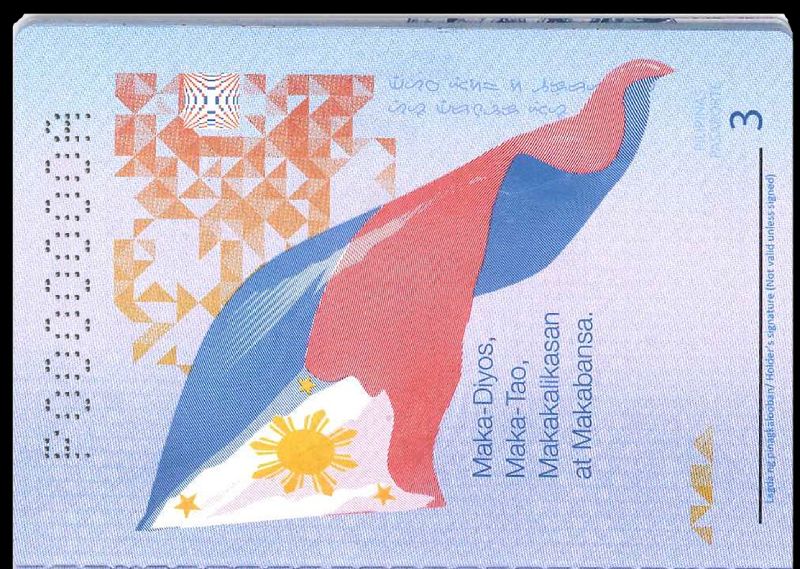
- front/relevant sides (and back side when relevant/available, check sample images available in this page)
- possibility to add or modify all text fields (such as name, surname, date of birth, date of issue, expiry date, driving license classes, restrictions, endorsements, signature, etc)
- all necessary fonts (also special fonts for signature)
- elements such as hologram, symbols, etc.
- possibility to save your document in image formats (.jpg, .png, etc.) or in PDF format
What is not included
- We do not offer any documents made of plastic (pvc).
Optional Services
- remove background from your picture (picture id optimization) --> you can send to us your picture to be optimized and we will remove background for you. Send it via Telegram. It's free and included.
Payment option
We accept a range of payment methods including Cryptocurrencies (like Bitcoin, Ethereum, Bitcoin Cash, Litecoin and other coins), but also you can paid via Credit/Debit CardsHow to edit / download final document
The editable file is in PSD format, and in addition to being of high quality, it allows it to be modified at each level (for example just click on the name field and edit it, to undo or redo changes as many times as you want, it allows you to replace the images with your personal photo, and allows you to save the final result in the most convenient format (JPG, PNG, PDF). To use it you therefore need the Adobe Photoshop software (not included), a very powerful and famous editor that allows you to generate and edit files in .psd format. Don't have Photoshop? We can help you in various ways: we can recommend a free editor, or we can upload your template to the online editor and allow you to modify it, or we can upload your file to the editor already set with the details you want, so you can easily complete it yourself, saving the final document in the format you prefer (optional service, and access to the free editor is valid for a week), with tips/instructions dedicated page.Downloading Process:
Once your payment is confirmed, we will send you email with:- download url
- instructions to finalize your desired document
- option to get customization if needed
Disclaimer
These templates are very similar to the originals, and you can use them for educational purposes, pranks, online activities, research or other permitted projects. We uphold the laws, rules, and regulations of all countries, including the USA, UK, Canada, etc. It is important to note that buying, possessing, and having a PSD template is not illegal. However, our templates are intended solely for novelty use and web illustrative purposes. They are not meant for physical use. And we cannot grant any warranty for the use you do (such for example account verification, paypal verification, etc.) It is strictly forbidden to use these templates for fraudulent activities. Therefore, it is your responsibility to use the template appropriately. By purchasing and downloading templates from our website, you agree not to employ them for any illegal purposes. Please be aware that this PSD template is not an exact replica of an authentic, state-issued document. We strongly discourage any malicious use. If you require an original PVC ID, Passport, or Driving License, please contact the appropriate legal authority, this is not the right place.How to Obtain a Philippine Passport: A Step-by-Step Guide
Traveling internationally starts with having a valid passport, and for Filipinos, this document is essential for identification and global mobility. Applying for a Philippine passport may seem complex, but it doesn’t have to be. This guide simplifies the process, detailing everything you need to know to successfully secure your passport.
Who Needs a Philippine Passport?
Anyone who is a Filipino citizen planning international travel must have a Philippine passport. The passport serves as proof of citizenship and is recognized worldwide as a valid identification document.
Eligibility
- First-time Applicants: Any Filipino citizen without a prior Philippine passport.
- Minors: Those under 18 years old must apply with parental or legal guardian assistance.
- Dual Citizens: Individuals holding citizenship in the Philippines and another country also need a Philippine passport for proof of dual nationality.
Requirements for Applying for a Philippine Passport
The requirements vary depending on the applicant’s circumstances. Below is a breakdown to ensure you’re prepared.
General Requirements
Regardless of your situation, you’ll need these standard documents:
- Completed Passport Application Form: Available on the Department of Foreign Affairs (DFA) website.
- PSA-issued Birth Certificate: Ensure the copy is clear and free of errors.
- Government-issued ID: Examples include your driver’s license, UMID, or voter’s ID.
- Supporting Documents: Proof of residency or other relevant documentation, if required.
Additional Requirements for Minors
For applicants under 18 years old, these additional documents are necessary:
- PSA-issued Birth Certificate of the minor.
- Valid ID of the Parent/Guardian: A photocopy must also be provided.
- Marriage Certificate: If the parents are married, provide a copy issued by PSA.
- Affidavit of Support and Consent: Notarized and signed by the parents or legal guardian.
Specific Cases (Lost, Damaged, or Expired Passports)
- For Lost Passports: Submit a notarized affidavit of loss and a police report.
- For Damaged Passports: Bring the passport along with a notarized affidavit explaining the damage.
- Expired Passports: Standard renewal documents apply, but ensure the expired passport is surrendered.
Documents for Dual Citizens
Dual citizens must provide:
- Certificate of Reacquisition/Retention of Philippine Citizenship.
- Oath of Allegiance.
- PSA-issued Birth Certificate.
Step-by-Step Guide to Applying for a Philippine Passport
Scheduling an Appointment Online
The first step in applying is to secure an appointment through the DFA’s Global Online Appointment System (GOAS).
- Visit the DFA website and select Passport Appointment.
- Choose your preferred DFA office.
- Fill out the required information, including your name, contact details, and type of application (new, renewal, etc.).
- Confirm your appointment and take note of the reference number.
In-Person Appointment and Submitting Documents
On your scheduled date, head to the DFA office with all required documents. During your visit:
- Submit your documents for verification.
- Have your photo and biometrics captured.
- Review the details on your application form carefully to ensure accuracy.
Paying the Application Fee
Passport application fees depend on the processing speed:
- Regular Processing: ₱950 (15 working days).
- Express Processing: ₱1,200 (7 working days). Payment can usually be made at the DFA office or designated payment centers.
Estimated Processing Time and Passport Delivery
Processing times vary depending on the chosen service. Once approved, your passport can either be picked up or delivered via courier. You may track its status online using the DFA tracking tool.
Tips for a Smooth Application Process
Preparing Your Documents
Keep all required documents organized and photocopied before your appointment. Double-check for any errors or discrepancies to avoid delays.
Avoiding Schedule Conflicts
Choose an appointment date when you’re sure of availability. Rescheduling can be time-consuming and might delay your application process.
Monitoring Application Status
Use the DFA tracking page to check your application status. This helps avoid unnecessary follow-ups and ensures you’re informed throughout the process.